

Fernwood Chess
Chess GUI & engine
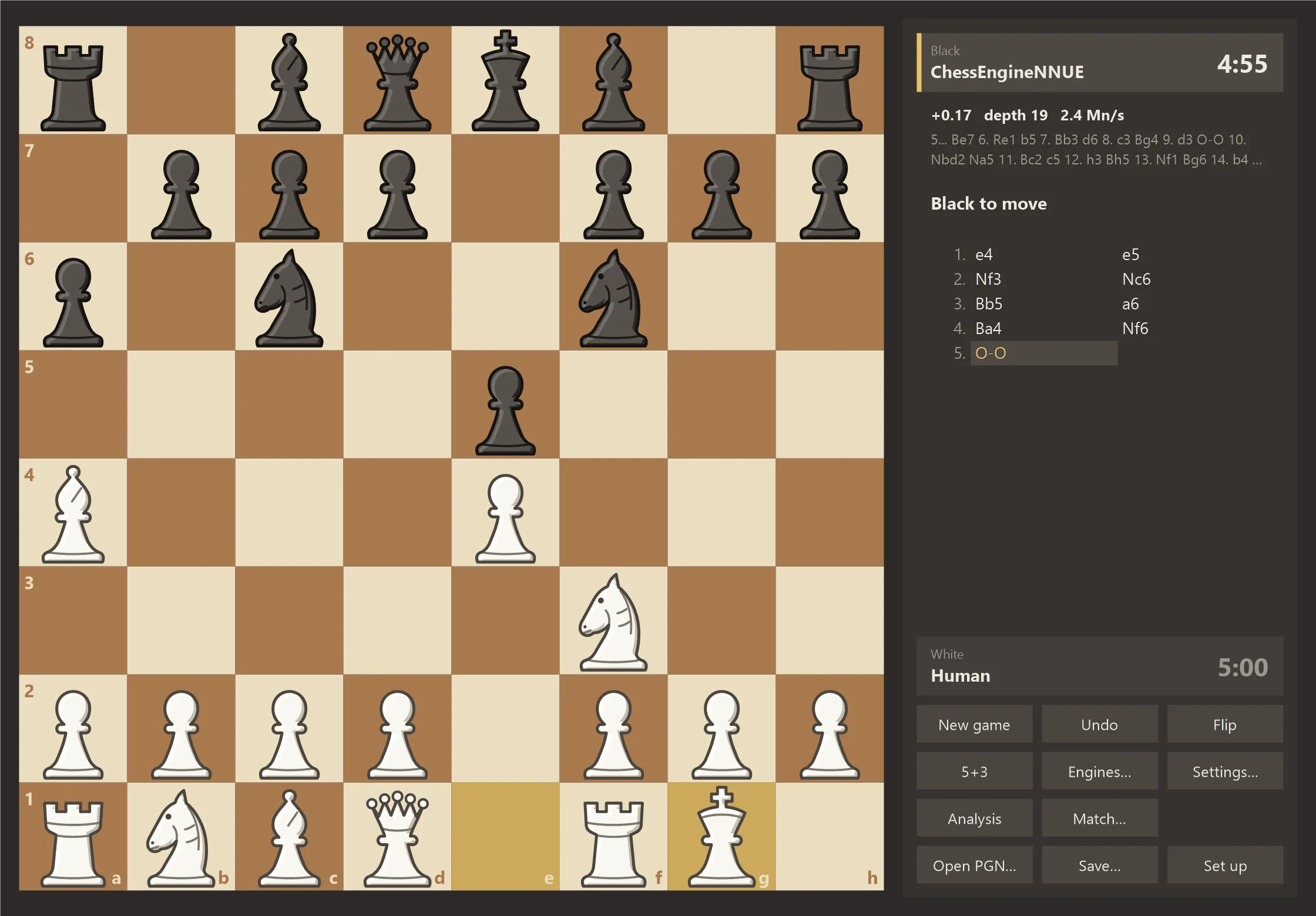
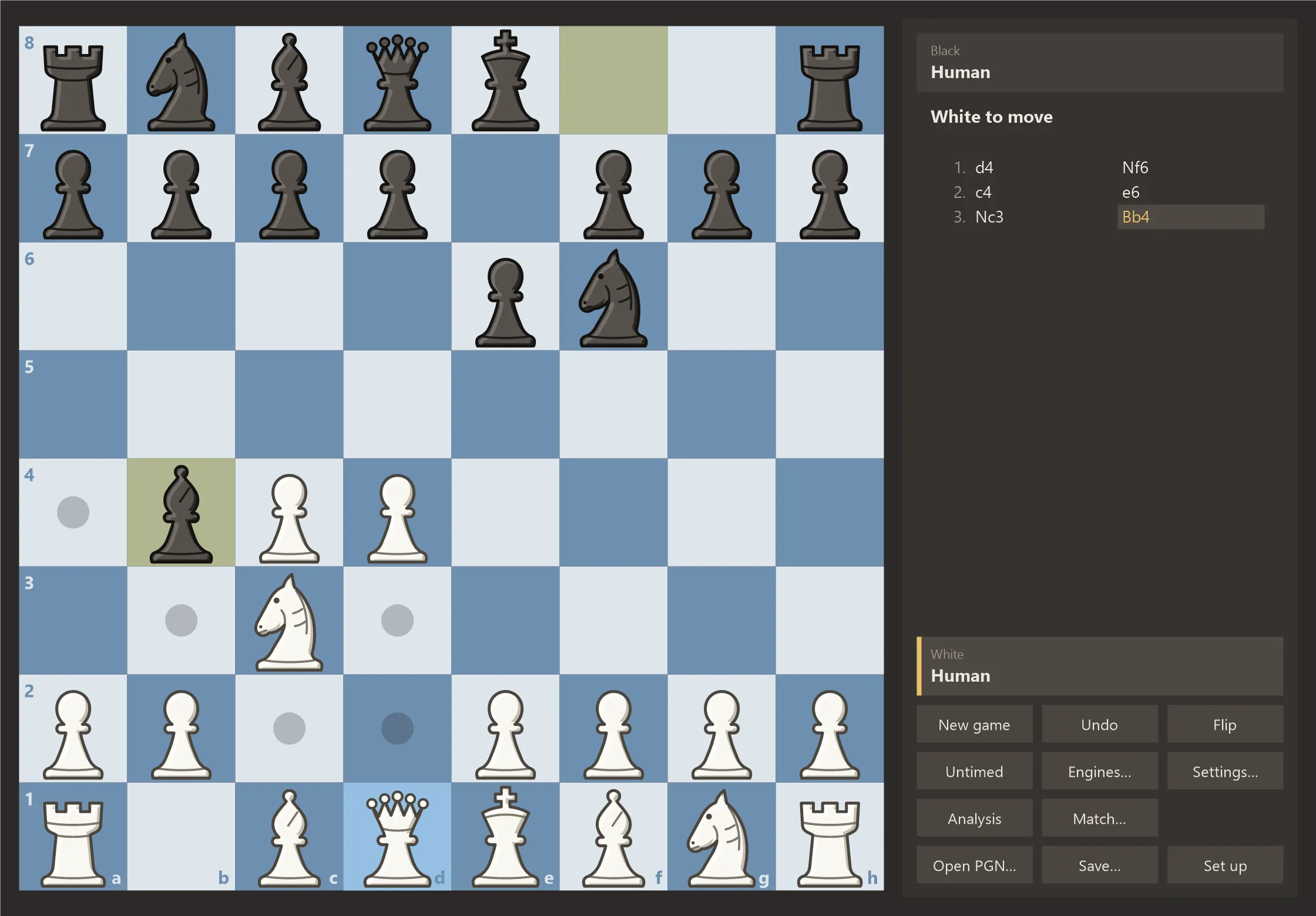
A desktop chess program that comes with its own engine. Install it, make a move and the engine answers; or analyse your games and play engines against each other.
Windows 10 and 11 (64-bit) · free · about 7 MB
Features
Install and play
The engine comes with the program; nothing else to download or configure. The build that suits your processor is picked automatically.
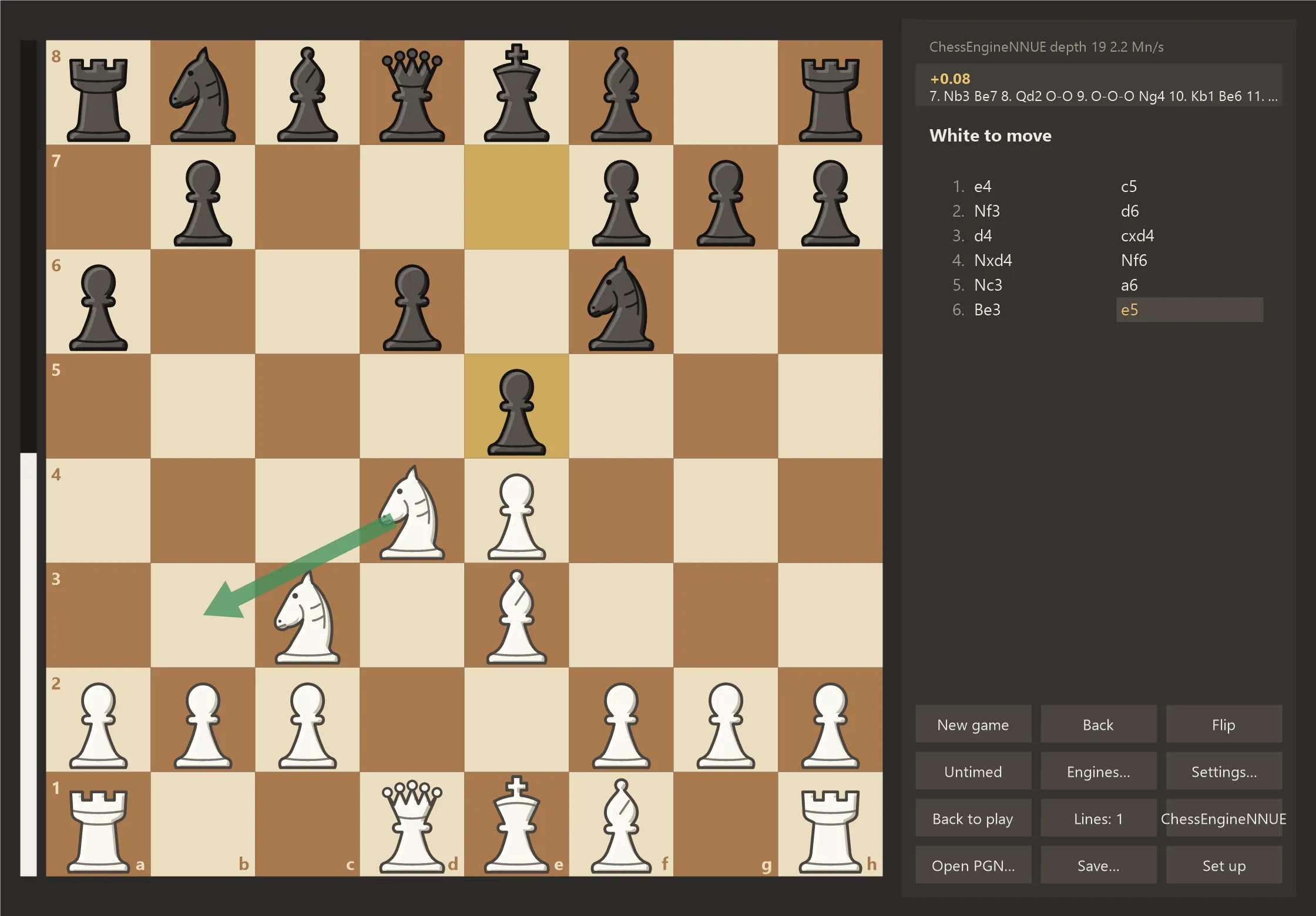
Analysis
Infinite analysis with an evaluation bar and a best-move arrow. Step through the game, try another move and carry on from there.
Add your own engines
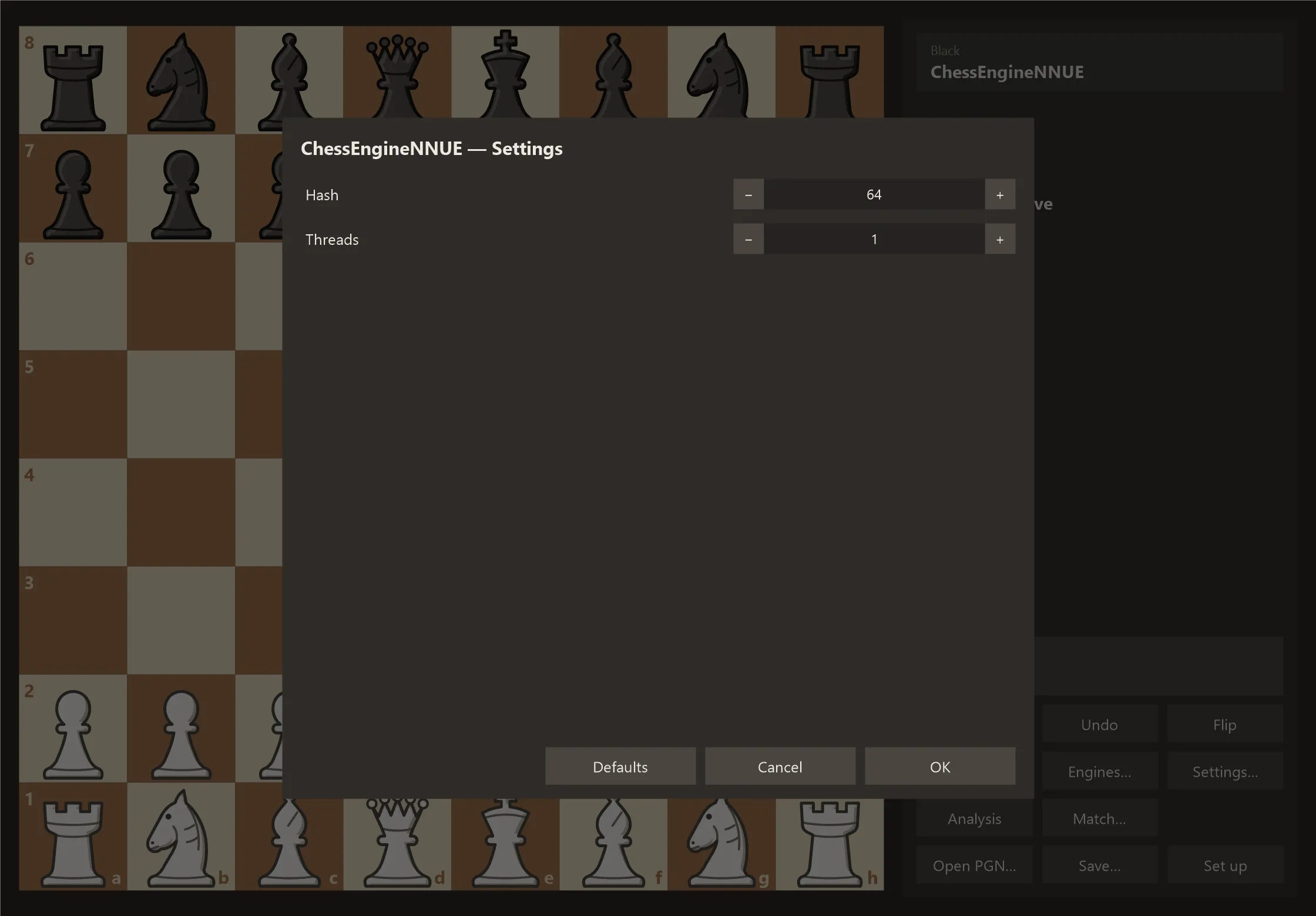
Any engine that speaks UCI or xboard (CECP) can be added. Its settings come from the option list the engine itself reports.
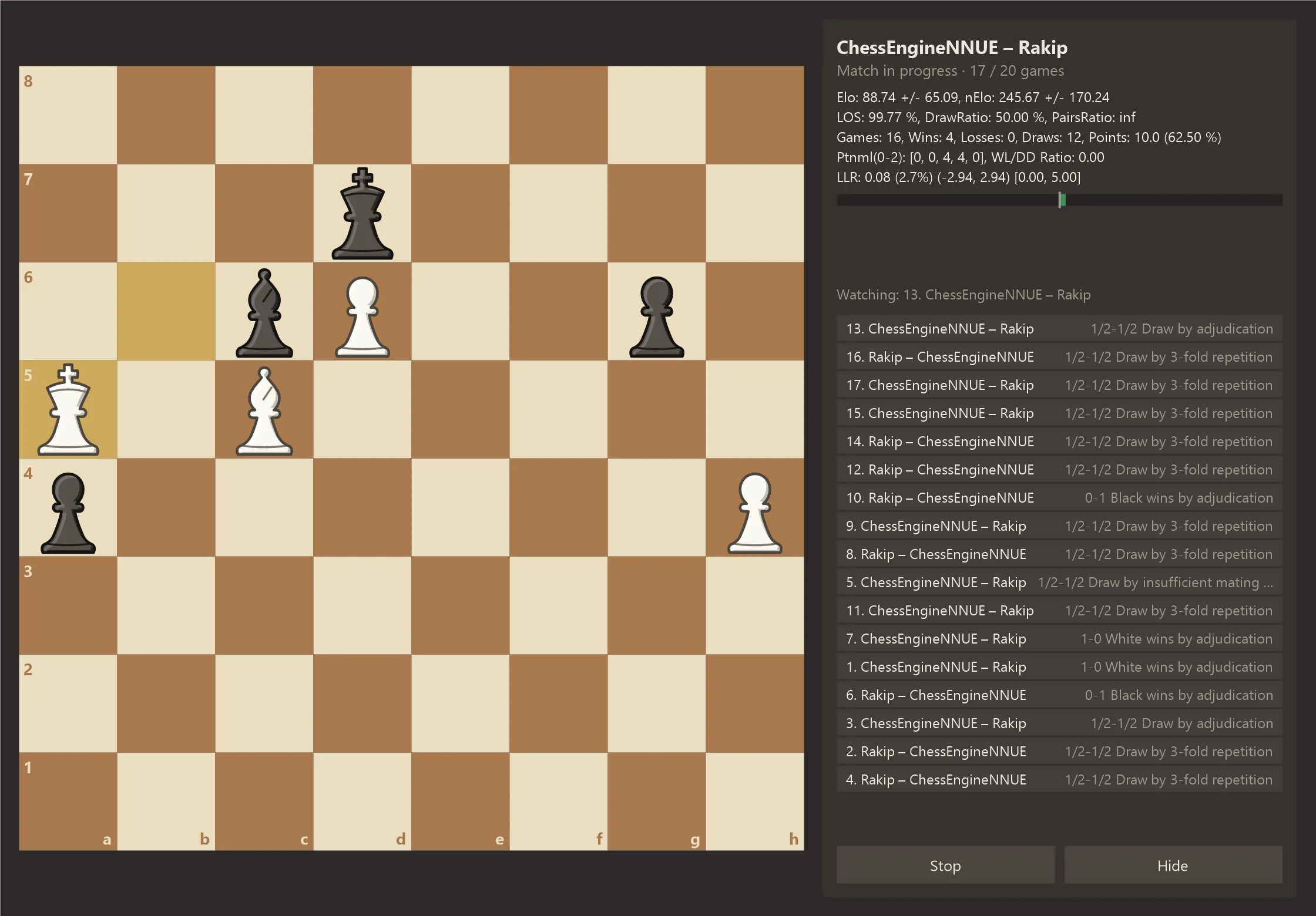
Engine matches and SPRT
Compare two engines with an opening book and games in parallel. Live Elo and LLR; the match stops when a verdict is reached.
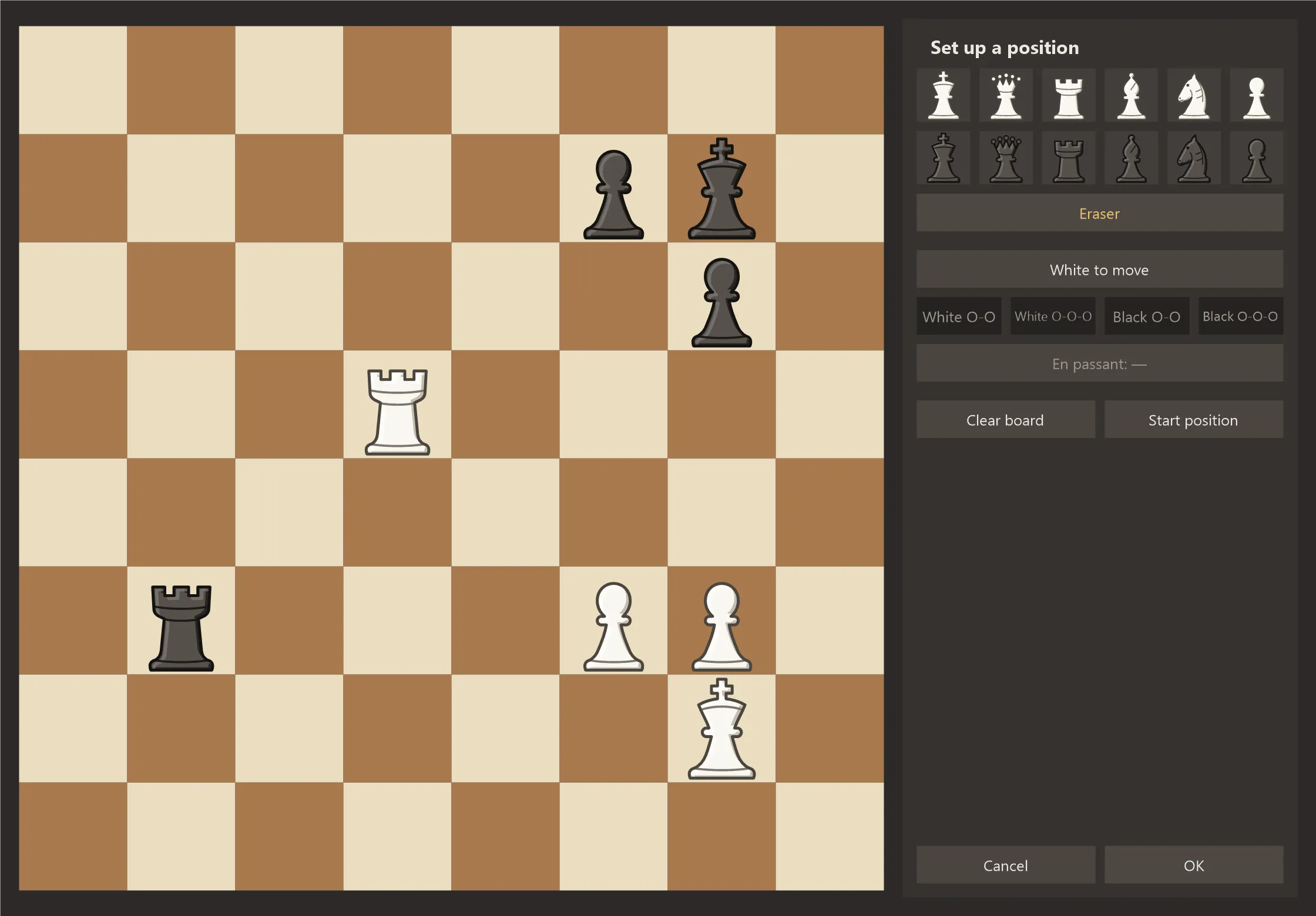
PGN and FEN
Open multi-game PGN files, save your game, paste a position from the clipboard or set one up piece by piece.
No account, no ads
The program collects no data. It goes online only to check for a new version, and that can be switched off in the settings.
Screenshots
Download and installation
Windows 10 and 11 (64-bit) · free · about 7 MB
- The program is installed for your user account only and asks for no administrator rights. It appears in the Start menu as "Fernwood Chess" and can be removed from Windows settings.
- The installer does not carry a code-signing certificate yet. On first run Windows may show "Windows protected your PC"; choose "More info" and then "Run anyway" to continue.
- At startup the program checks whether a new version exists and asks before updating. Updates are signed; a file whose signature does not verify is never installed.
For developers
The installation also includes chesscli, a command-line match runner: it plays engine matches and SPRT with fastchess-compatible options, tells P and E cores apart and pins each game to its own core.
Licence and privacy
Fernwood Chess is free; all rights belong to Fernwood Studio. The licence text is in the install folder. The program needs no account, shows no ads and sends no usage data.